
Install the MJFF app on your phone
1. Open a browser on your phone and go to https://mjff.ru

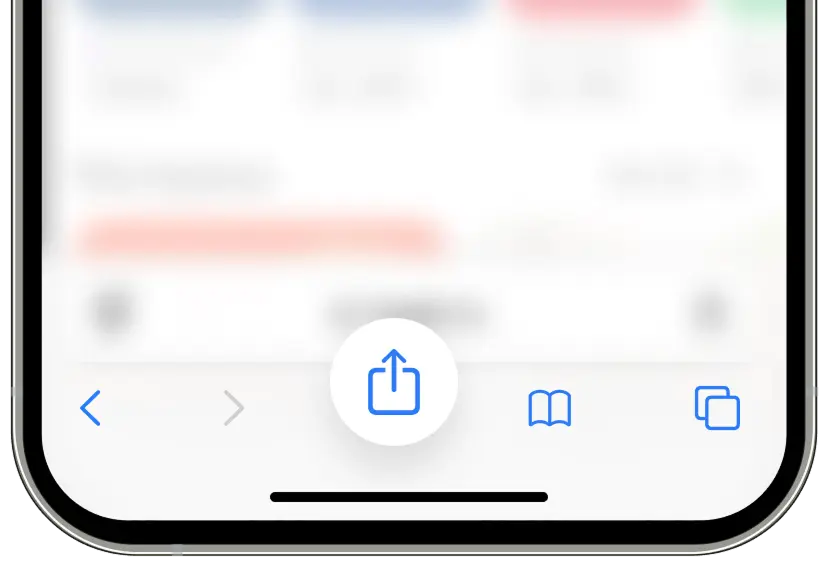
2. Tap Share at the bottom of the screen.
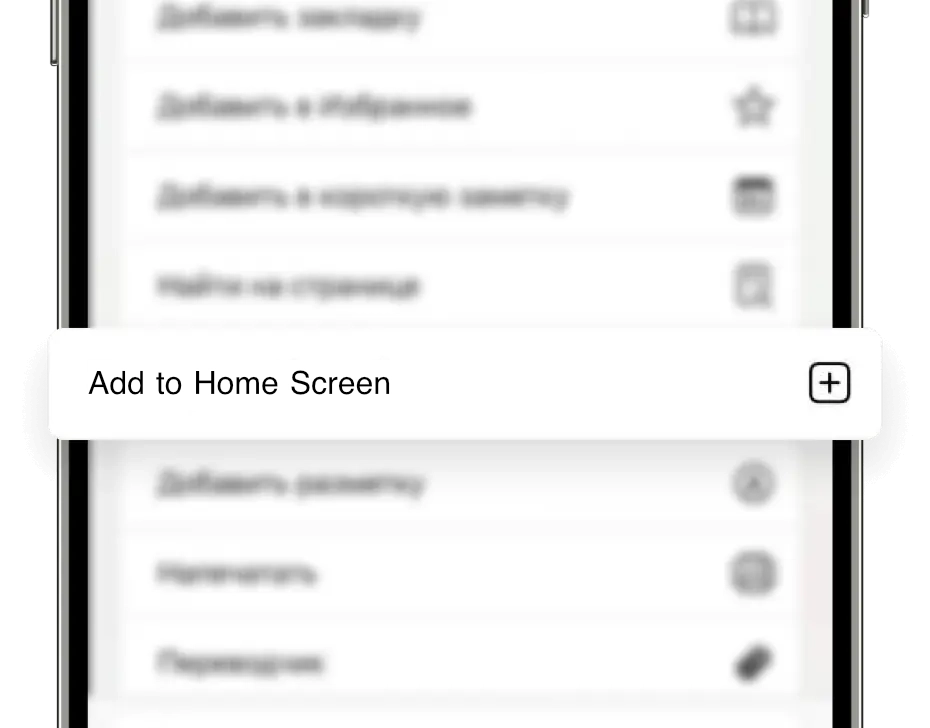
3. Select from the menu: Add to Home Screen
4. The MJFF icon will appear on your desktop

Full functionality
Always up-to-date version of the app, current schedule of screenings, jury, contacts
No need to download
It does not require complex installation and has all the features of a standard application.